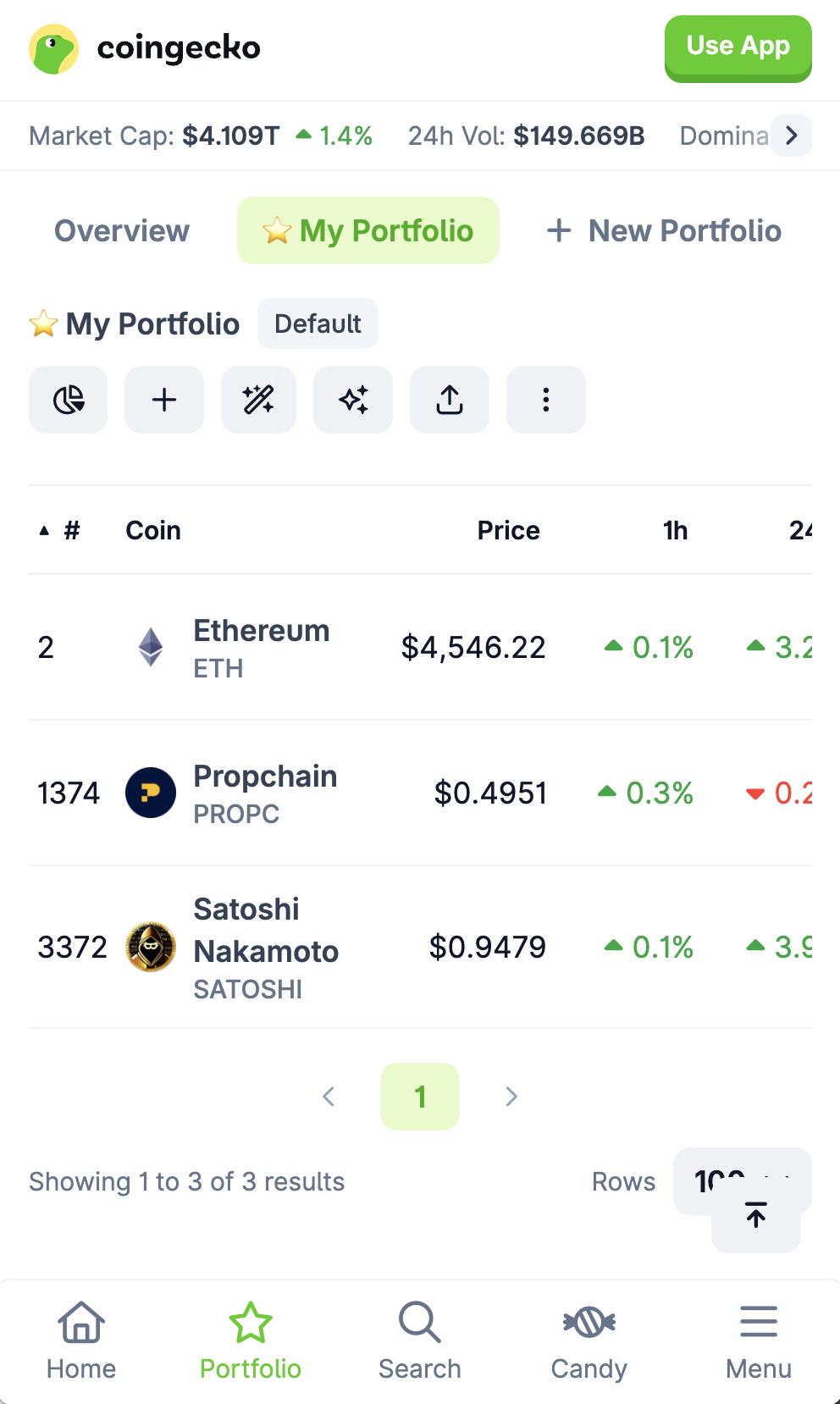
Add our Coin to your Coin Gecko Portfolio
Task: Add our Coin to your Coin Gecko Portfolio!
How to Add ETH to a CoinGecko Portfolio
Sign in or create an account
- Visit CoinGecko and log in. If you don't have an account yet, sign up—it's free.
Find ETH and star it
- Use the search bar at the top of the site to look up ETH.
- Alternatively, you can visit the coin directly at: https://www.coingecko.com/en/coins/ethereum
- On the coin's page, click the ⭐ star icon near the price.
- If you don't have any portfolio yet, this action automatically creates a default portfolio for you.
Confirm the coin is in your portfolio
- Navigate to the Portfolio page (found under "Products").
- You should see ETH listed. If you have multiple portfolios in the future, you'll be prompted to choose which one to add the coin to.
Submit screenshot proof
- Take a screenshot of your portfolio page showing ETH.
- Upload this screenshot as proof.
- Example screenshot proof accepted: