Subscribe on Substack
Task: Subscribe to Domino Updates on Substack!
How to Complete This Quest
Visit our Substack
- Click this link to access our publication: https://annanewton.substack.com/
Subscribe to the newsletter
- Click the "Subscribe" button on the Substack page.
- Enter your email address and complete the subscription process.
Submit screenshot proof
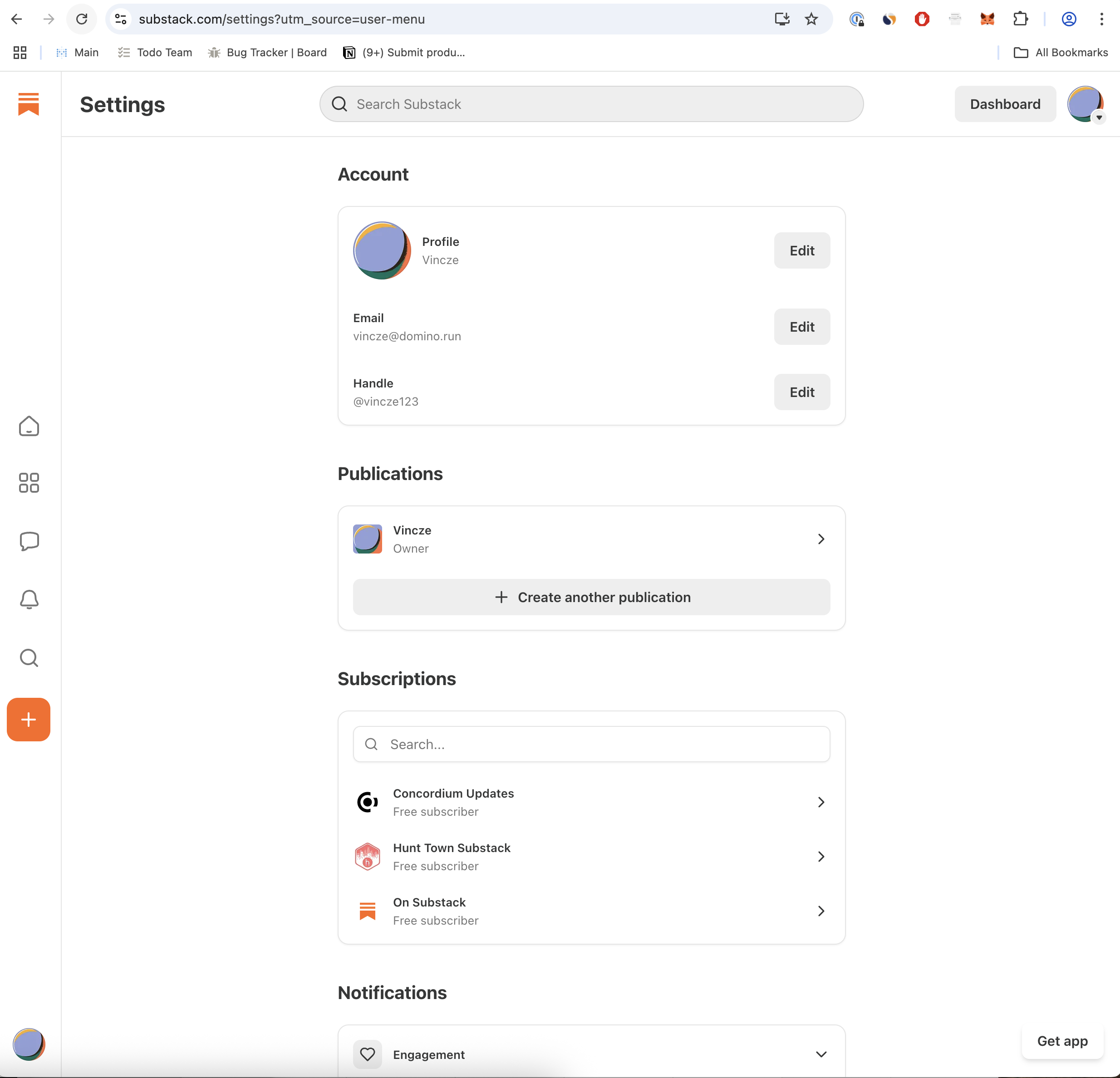
- Go to your personal subscriptions page: https://substack.com/settings?utm_source=user-menu
- Take a screenshot showing Domino Updates in your subscriptions list.
- Upload this screenshot as proof of completion.
Important notes:
- Make sure you're logged into your Substack account when subscribing.
- The screenshot must be from your personal subscriptions page, not the publication page.
- Example screenshot proof accepted: